Nykaa Order Tracking: Where to Find the AWB and What to Do If It's Late
Open My Orders, copy the AWB after dispatch, and track it with the courier.
By Rajita KesarwaniReviewed by Akshansh TyagiPublished 3 min read
Quick answer Nykaa and Nykaa Fashion ship through courier partners. After dispatch, open the Nykaa app or website → My Orders → your order, and look for the courier name and tracking (AWB) number. Paste it on the Nykaa tracking page to see the latest scans. No AWB yet usually means the order hasn't been shipped.
Step by step
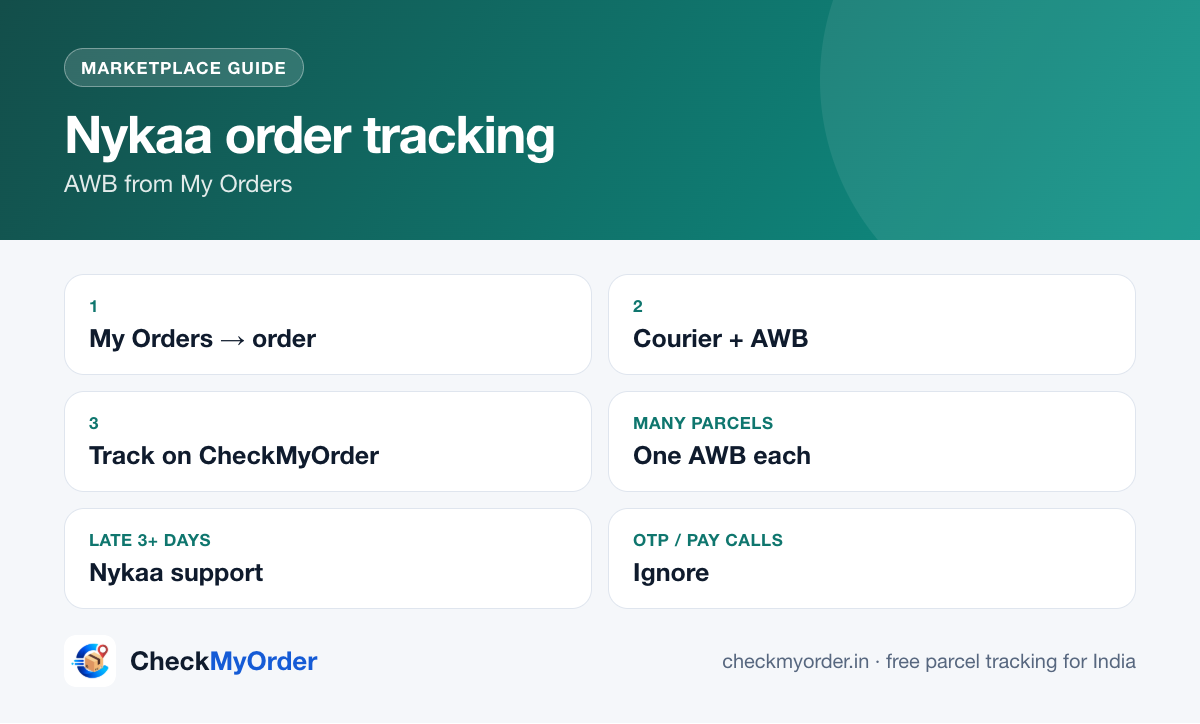
- Open the Nykaa (or Nykaa Fashion) app or website and sign in.
- Go to My Orders and open the order.
- Find the courier and AWB in the tracking or shipment details. It's also in the shipping SMS or email.
- Track it on CheckMyOrder. If you only have the number, the courier finder can suggest the courier.
One order, more than one parcel?
Beauty orders with items from different warehouses or brands can arrive in separate parcels, each with its own AWB. Check every shipment in the order, and track them together with multi-parcel tracking.
Status guide
| Status | What it means |
|---|---|
| Order placed / Packed | Being prepared; no AWB yet |
| Shipped | With the courier; AWB available |
| In transit | Moving between hubs |
| Out for delivery | Arriving today |
| Delivered | Handed over; check seals and items |
When the order is late
- Compare with the date shown in the app; a day's delay in sale season is common (online order late).
- No new scan for 3+ days? Contact Nykaa support from the order page.
- Damaged or wrong item? Take photos while opening and report it in the app the same day (damaged parcel, wrong item).
- Ignore "courier" calls or SMS asking for payment or OTP (fake courier SMS).
Where to find your Nykaa AWB
| Place | What to look for |
|---|---|
| Shipping email | "Your order has been shipped" with the courier name and tracking number |
| SMS | Shipping SMS from Nykaa or the courier |
| App or website | My Orders → order → shipment or tracking details |
| Parcel label | The barcode number on the package (useful for returns) |
Opening a beauty or fashion parcel
- Check the outer seal before you accept the parcel. If it's torn, wet or crushed, take a photo first.
- Record a short unboxing video for expensive items. It helps if something is missing or broken.
- Check expiry dates and batch numbers on skincare and make-up.
- Report any problem in the app the same day; return windows for beauty items can be short.
Returns and refunds
Request a return from the order page, keep the item in its original packing, and wait for the pickup. The pickup gets its own tracking. If the pickup doesn't come, see return pickup not done. If the refund is slow after the return is picked up, see refund not received.
Some beauty products can't be returned once opened, for hygiene reasons. Check the product page or Nykaa's return policy before you open the seal.
Common tracking questions
| Question | Short answer |
|---|---|
| Tracking shows nothing yet | New shipments can take up to a day for the first scan |
| Status says "delivered" but I don't have it | Check with neighbours and security, then report it in the app the same day (what to do) |
| Courier called asking for an OTP | Share the delivery OTP only when the parcel is in your hand (OTP scam) |
| Parcel stuck at one hub | No scan for 3+ days: contact support (stuck in transit) |
FAQ
Can I track a Nykaa order with the order number?
The order number works inside Nykaa. Courier trackers need the AWB that appears after dispatch.
Which courier delivers Nykaa orders?
It varies by order and location. The order details show the courier for your shipment.
Sources

Rajita Kesarwani · Head of Digital Marketing & Content
Rajita leads digital marketing and content at CheckMyOrder. She sets the editorial standards, writes guides on tracking online orders, delivery problems, refunds and fake courier messages, and reviews every guide against the courier's and the shop's own help pages before it goes live.
Reviewed by Akshansh Tyagi, Content Writer. Read how we write and check our guides on the About page.