
How to Track Multiple Parcels at Once, Even From Different Couriers (Free)
One box, up to 20 numbers, every courier: see all your parcels on one screen.
By CheckMyOrder Blog TeamReviewed by Rajita KesarwaniPublished 1 min read
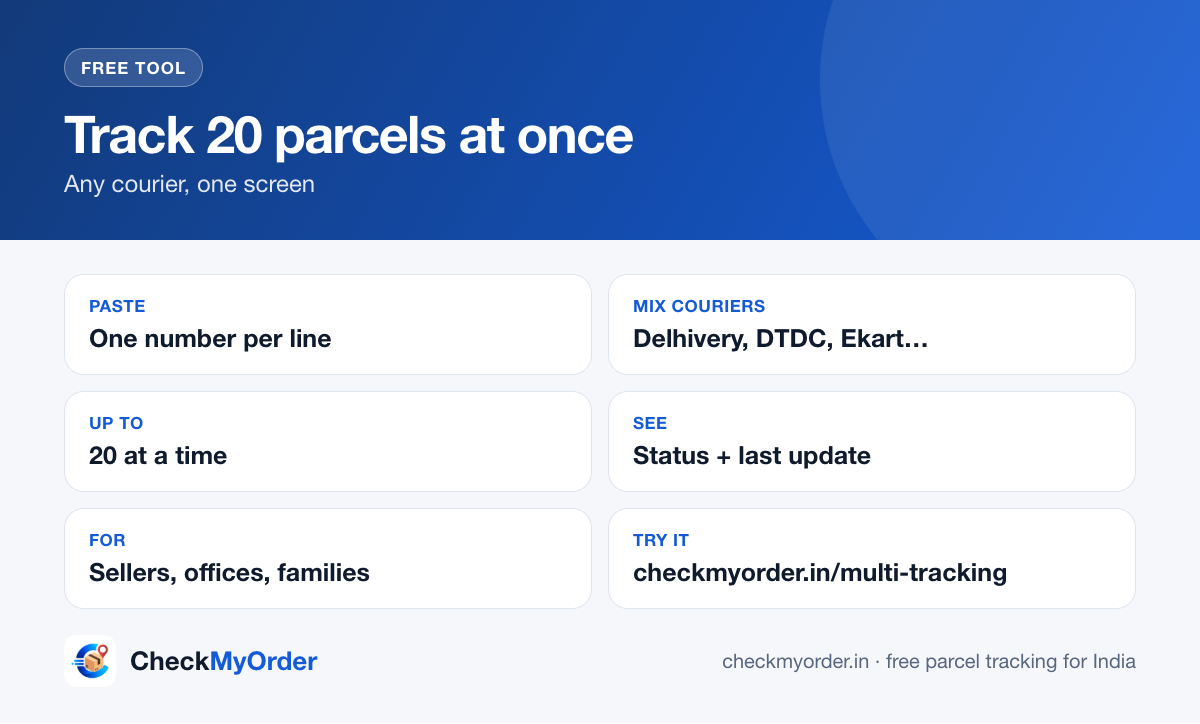
Quick answer Open multi-tracking, paste up to 20 tracking numbers (one per line, any mix of couriers) and tap Track. CheckMyOrder detects each courier and shows every status on one screen. It's free and needs no login.
Who it's for
- Small sellers checking the day's dispatches without opening ten courier sites.
- Families waiting on several festive or wedding orders.
- Offices sending documents to many branches.
Step by step
- Copy the tracking numbers from your orders, sheet or SMS.
- Paste them into multi-tracking, one per line.
- Tap Track. Each row shows the courier, the latest status and when it was last updated.
- Tap any row for the full history, or share one parcel on WhatsApp.
Tips
- Mixed couriers are fine. Delhivery, DTDC, Blue Dart, Ekart, India Post and more can go in the same list.
- Order IDs won't work. Use the courier's tracking (AWB) number. See AWB vs order ID.
- Not sure which courier a number belongs to? Check it in the courier finder.
For sellers
Pair it with our free WhatsApp order message templates to keep buyers updated, and see how to reduce RTO on COD orders.
Sources
CheckMyOrder Blog Team · Rajita Kesarwani and Akshansh Tyagi
Guides are written and reviewed by the CheckMyOrder team. Each article lists its sources and the date it was last reviewed by a person.
Reviewed by Rajita Kesarwani, Head of Digital Marketing & Content. Read how we write and check our guides on the About page.