
How to Share Your Parcel's Tracking on WhatsApp in One Tap (So Family Can Check It Too)
Stop forwarding screenshots. Share a live tracking link on WhatsApp in one tap.
By Rajita KesarwaniReviewed by Akshansh TyagiPublished 1 min read
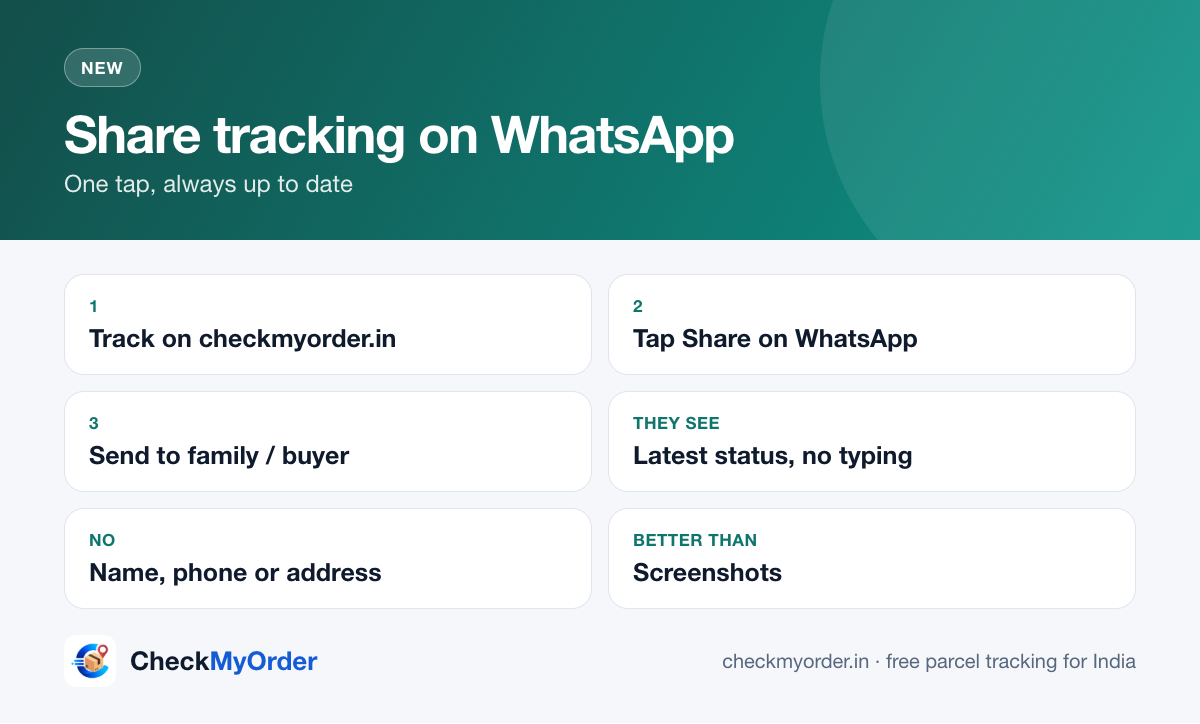
Quick answer Track your parcel on CheckMyOrder and tap the green Share on WhatsApp button on the result. WhatsApp opens with a short message (courier, status and a link). Whoever opens the link sees the latest status with the tracking number already filled in, without typing anything.
हिंदी में: पार्सल ट्रैक करें और हरे "Share on WhatsApp" बटन पर टैप करें। जो लिंक खोलेगा, उसे नंबर अपने आप भरा हुआ और लेटेस्ट स्टेटस दिखेगा।
Why share a link instead of a screenshot?
| Screenshot | Live link |
|---|---|
| Out of date in an hour | Always shows the latest status |
| Can't be tapped | Opens the tracker with the number filled in |
| Needs re-sending after each update | Send once |
Step by step
- Paste your tracking number on CheckMyOrder and track it.
- On the result, tap Share on WhatsApp.
- Pick the person or group and send.
Great for
- Families: parents waiting for a gift, or someone receiving it at home.
- Sellers: send buyers one link instead of the bare AWB. For full templates, see WhatsApp order message templates.
- Offices: share the status of documents with a colleague.
Privacy
The link contains only the courier page and the tracking number, no name, phone number or address. Share it only with people who should see the parcel's status.
Sources
Rajita Kesarwani · Head of Digital Marketing & Content
Rajita leads digital marketing and content at CheckMyOrder. She sets the editorial standards, writes guides on tracking online orders, delivery problems, refunds and fake courier messages, and reviews every guide against the courier's and the shop's own help pages before it goes live.
Reviewed by Akshansh Tyagi, Content Writer. Read how we write and check our guides on the About page.